
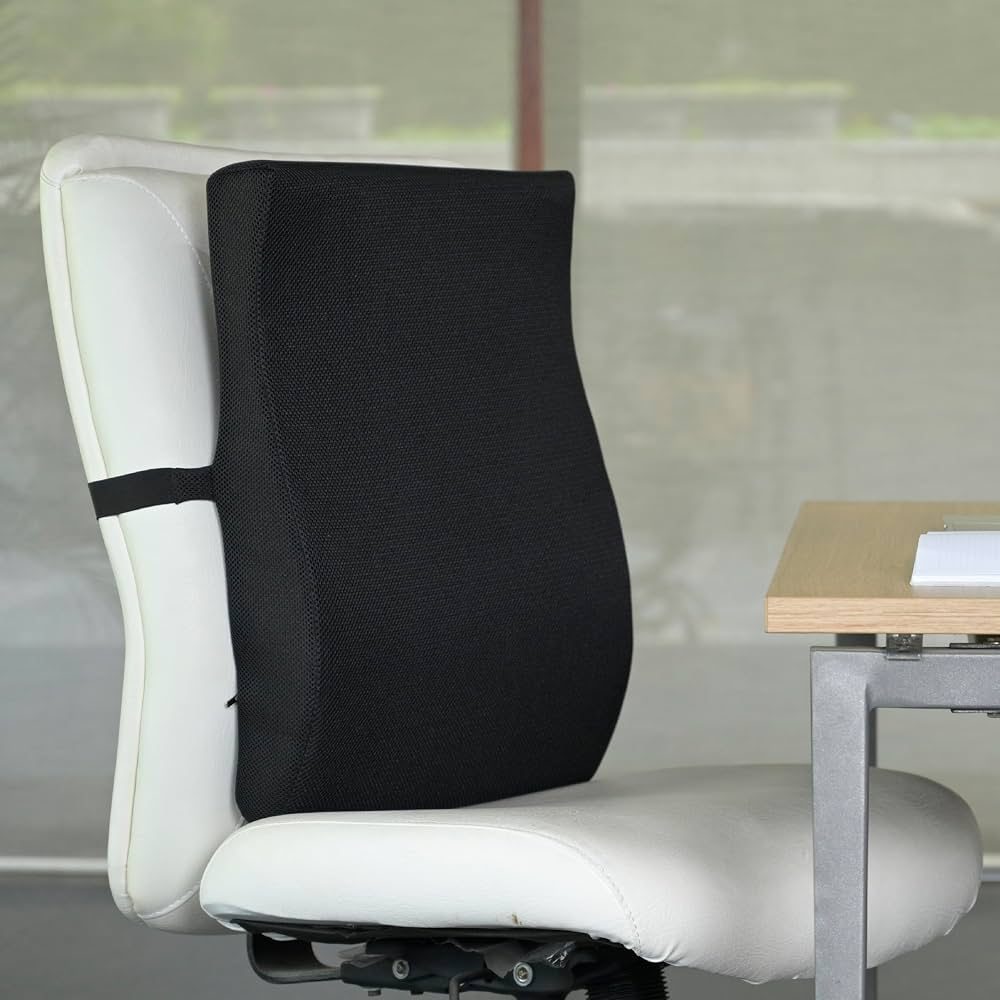
The lumbar spine — the five vertebrae between your ribcage and your pelvis — curves gently inward when you stand. Sit down, and that curve flattens or reverses unless something supports it. That something is what chair makers call lumbar support, and the gap between the claim and the reality is where most back discomfort at a desk begins.
This guide explains what lumbar support is, why most of it is inadequate, and how to get it right — whether that means adjusting the chair you own, adding a pillow, or choosing a better chair next time. It is general ergonomic information, not medical advice: persistent back pain deserves a clinician, not a chair blog.
Direct answer: Effective lumbar support maintains your lower back's natural inward curve while seated. A pad adjustable in height and depth, positioned at your belt line, works best; fixed hard pads and deep bucket seats usually do not.
The short version
| What it is | Support that maintains your lower back's natural inward curve while seated |
| What works best | A pad adjustable in height and depth, positioned at your belt line |
| What to avoid | Fixed hard pads, deep bucket seats, and chairs with no lumbar feature at all |
| Cheapest fix | A contoured lumbar pillow on the chair you already own |
| When to upgrade | When adjustment cannot put support where your back needs it |
In this guide
- Your lower back has a job to do
- Why most chair lumbar support disappoints
- Adjustable vs fixed: the one feature worth paying for
- Built-in support vs a lumbar pillow
- How to position lumbar support correctly
- Mesh tension vs foam pads vs air bladders
- The seat matters as much as the back
- Recline, movement and the limits of support
- What to look for when buying
- When support is not the problem
- Frequently asked questions
Your lower back has a job to do
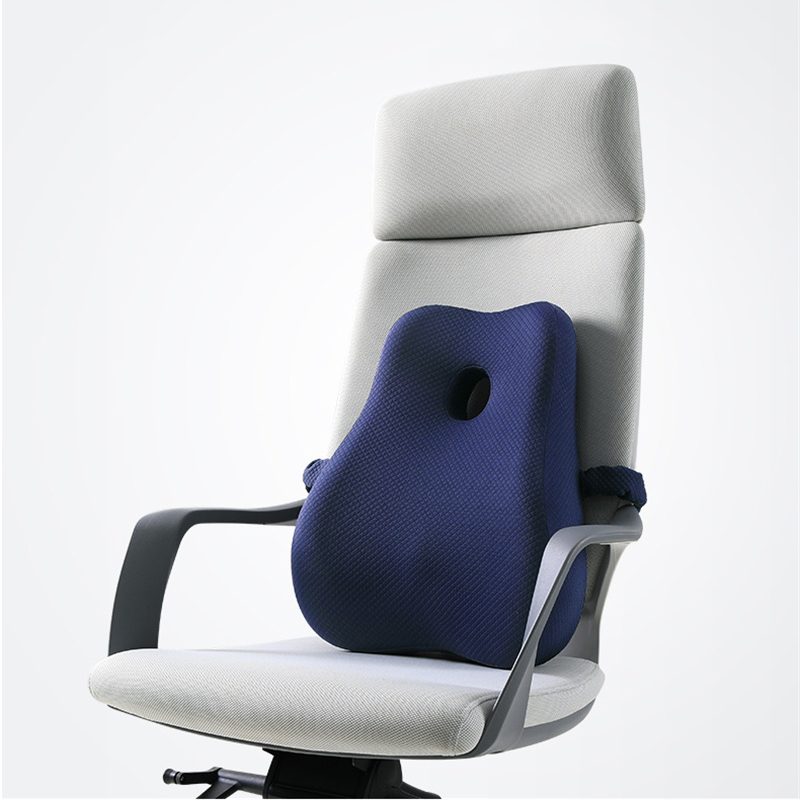
The lumbar curve exists for a reason: it stacks the vertebrae so the discs between them share load evenly, and it lets the muscles of the lower back work in short shifts rather than holding one long contraction. When you sit without support, the pelvis rolls backward, the curve flattens, and the discs and ligaments take up the load the muscles were sharing. That is tolerable for twenty minutes and tiring for eight hours.
Good lumbar support does one thing: it fills the gap between the chair back and your lower back so the curve is maintained without muscular effort. Everything else — adjustability, firmness, shape — is about getting that fill in the right place for your body.
Why most chair lumbar support disappoints
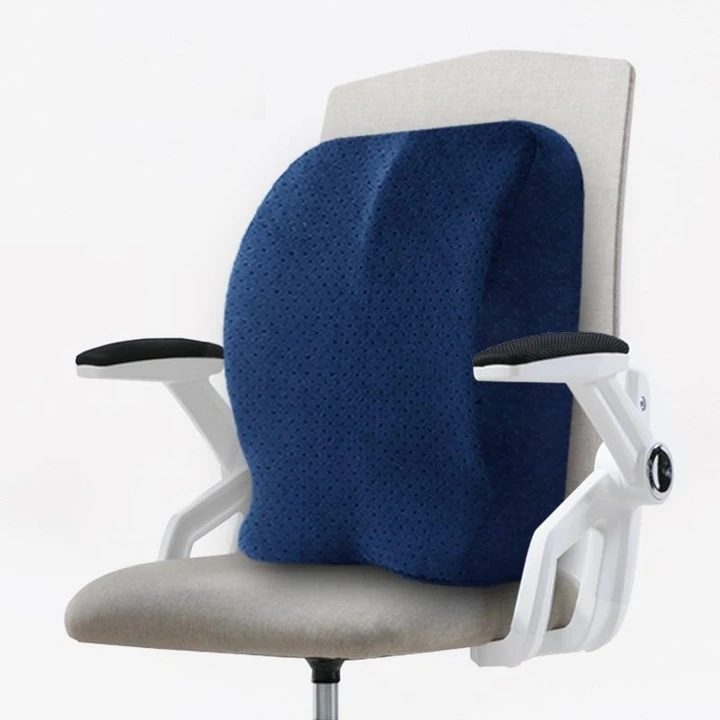
Most chairs under $150 have lumbar support in the marketing sense only: a fixed bump moulded into the backrest. It sits at one height, with one depth, for every body. If you are shorter or taller than the design average, the bump presses your mid-back or misses your lumbar curve entirely — and a pad in the wrong place is worse than none, because it pushes you into a new bad posture.
The second failure is firmness. A hard plastic pad feels supportive for ten minutes and bruising after two hours. Foam pads are kinder but flatten over months. The best designs use a flexible pad — mesh tension or a spring-loaded plate — that follows your movement instead of fighting it.
Adjustable vs fixed: the one feature worth paying for
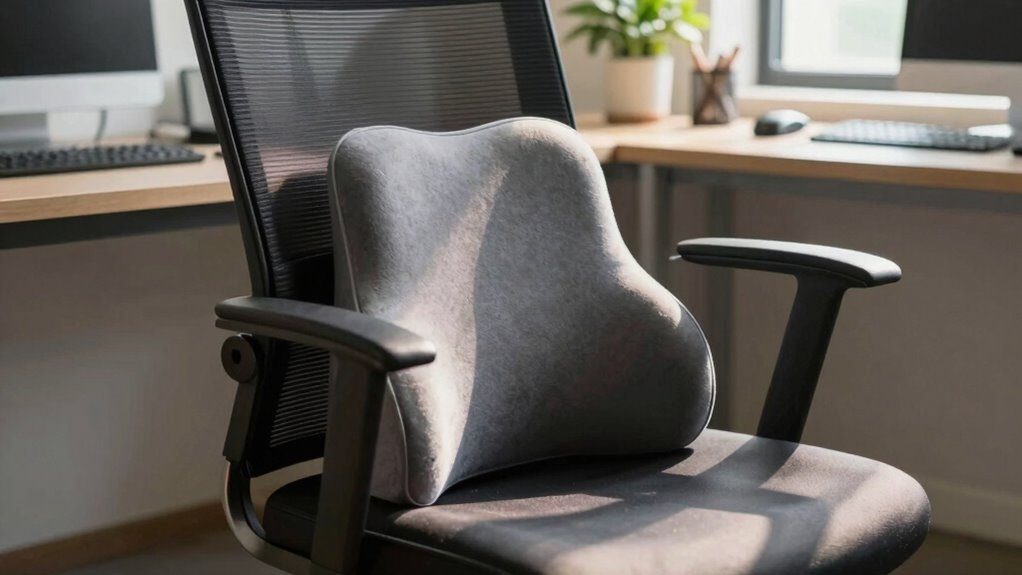
If you take one buying rule from this guide, make it this: adjustable lumbar support is worth more than any other single chair feature. Height adjustment matters most — the pad must sit at your belt line, which varies by several inches between people. Depth adjustment matters second: a pad that pushes 2 cm too far forward will arch you out of the seat.
Three-zone systems, like the one on the Hbada E3 Air in our Best office chairs under $300 guide, split the pad into sections that move independently. They are the most convincing design we have seen under $300, because the lower back is not one curve — it is a curve that changes as you lean, reach and recline.
Built-in support vs a lumbar pillow
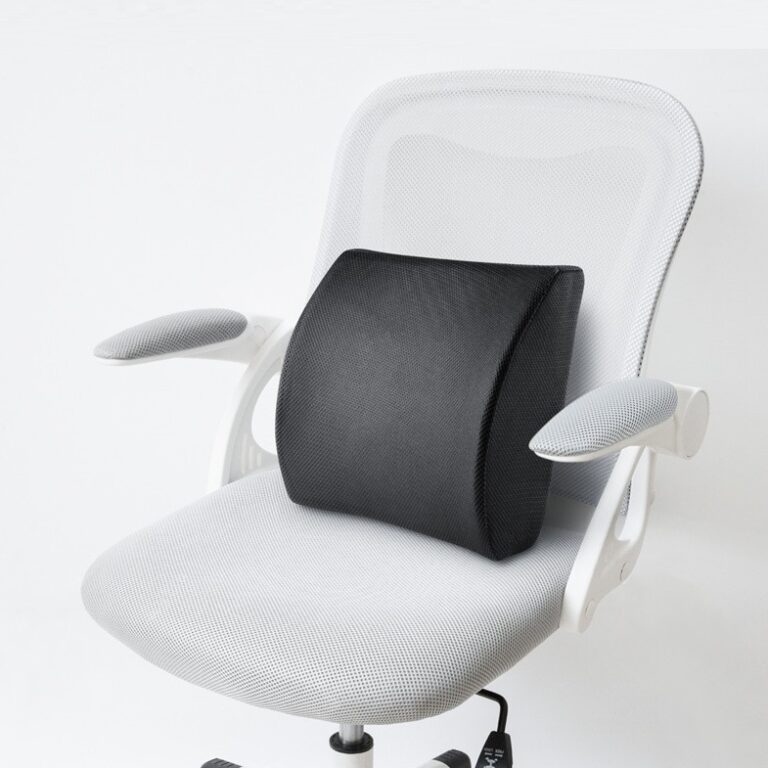
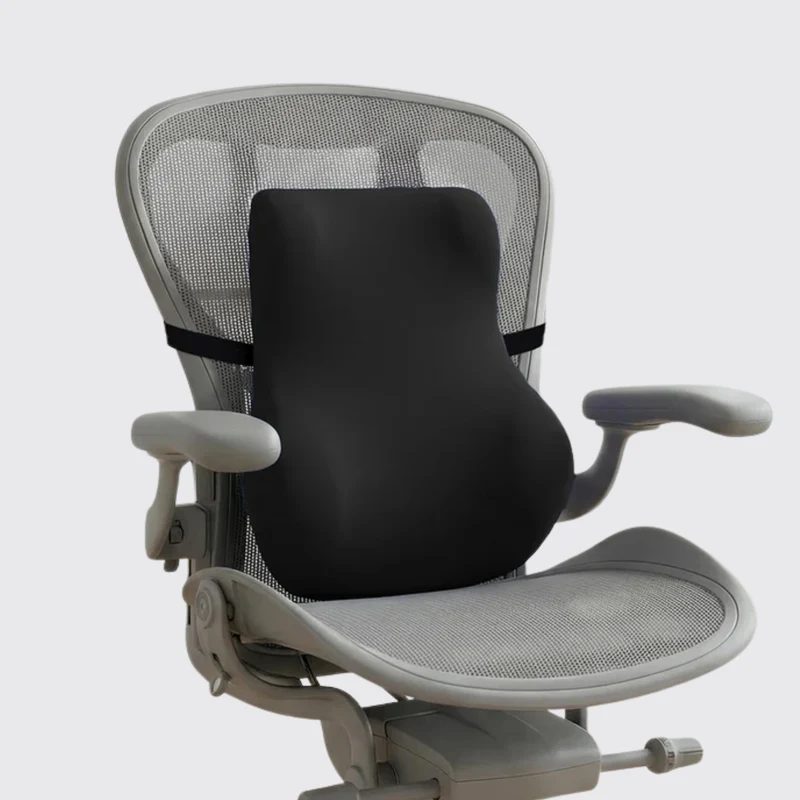
A built-in adjustable pad is the better solution when you are buying a chair. But if you already own a chair with weak support, a contoured lumbar pillow is a genuine fix, not a consolation prize — it adds exactly the height and depth adjustment the chair lacks. The Everlasting Comfort pillow in our The shop is the most-reviewed option and straps to almost any chair back.
Fit matters: the pillow should sit at your belt line, fill the gap without pushing you forward, and stay put when you stand up. Straps help; a pillow that slides down every hour will end up on the floor. Replace foam pillows when they stop springing back — usually after a year or two of daily use.
How to position lumbar support correctly
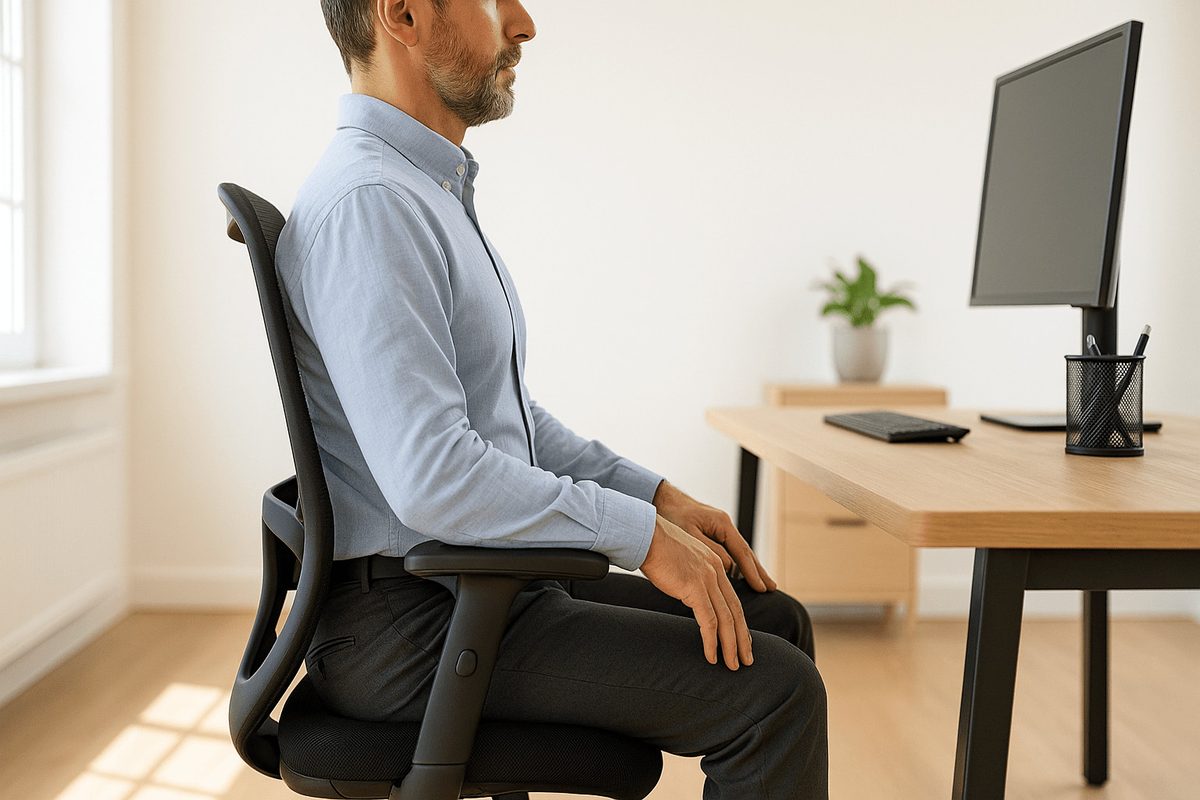
Sit all the way back in the chair, with your back against the backrest and your feet flat on the floor. The lumbar pad should press gently into the curve just above your belt — you should feel it, but it should not push you forward or force an arch. If you find yourself perching on the front of the seat, the pad is too deep or too high.
Check the position after an hour, not after a minute. Support that feels right immediately can become intrusive as you settle, and foam pads compress slightly under body heat. Small adjustments — a centimetre at a time — beat big swings.
Mesh tension vs foam pads vs air bladders
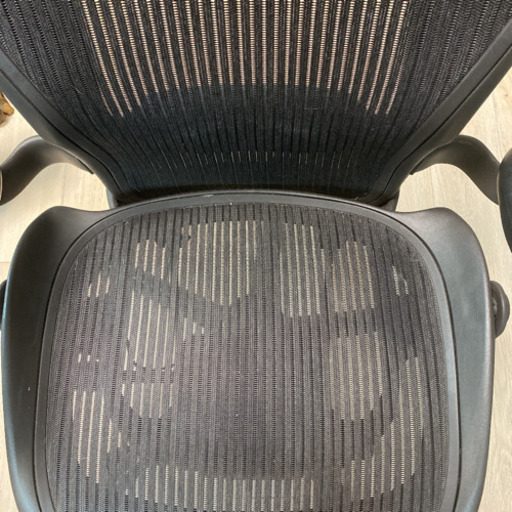
Mesh chairs often build lumbar support into the tension of the backrest itself: a firmer band of mesh, or a pad behind the mesh that you adjust. This works well because the support moves with you and breathes. Foam pads are simpler and cheaper, and suit people who want a definite, cushioned feel. Air bladders — a pump-up pad — offer fine depth control and suit people between sizes, but add a part that can leak.
None of these is objectively best. Mesh tension suits warm rooms and people who shift position often; foam suits people who sit still and want a soft, definite support; air suits people who have struggled to find the right depth with fixed designs.
The seat matters as much as the back
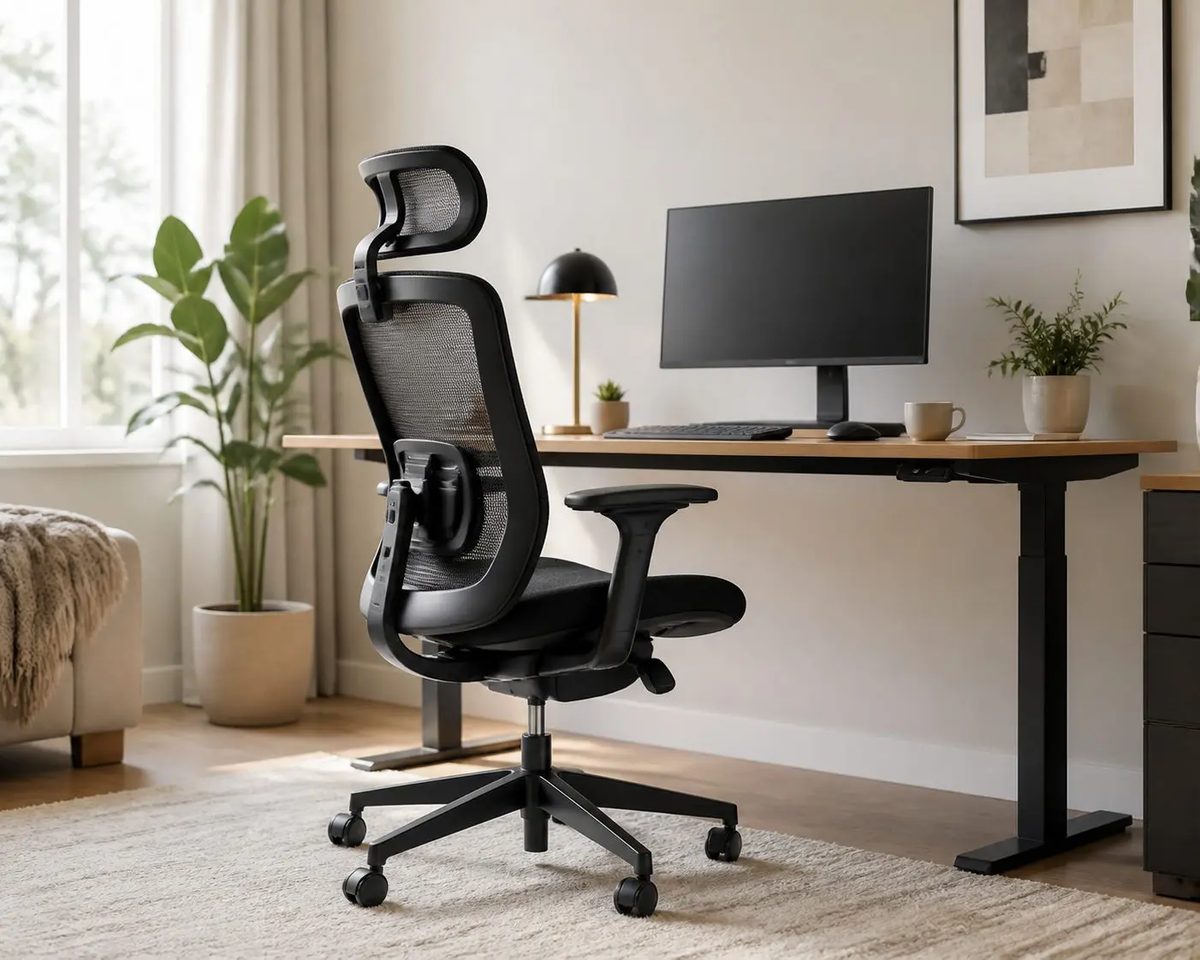
Lumbar support fails when the seat fights it. A seat that is too deep pushes you forward, away from the backrest, so the lumbar pad never touches you. A seat that slopes the wrong way rolls your pelvis backward and flattens the curve the pad is trying to support. When testing a chair, sit back fully: if your knees press the seat edge or your feet lift, the seat depth is wrong for you, and no lumbar pad will fix it.
Seat height plays the same role. Feet dangling pulls the pelvis forward; feet flat lets the backrest do its job. Our How to set up an ergonomic home office guide covers the full sequence — seat first, then back, then arms, then screen.
Recline, movement and the limits of support

Even perfect lumbar support is not a substitute for movement. The discs in your lower back have no direct blood supply — they rely on movement to circulate fluid. Sitting perfectly still in a perfect chair for four hours is still four hours without that circulation. Recline helps: leaning back 100–110° opens the hip angle and reduces disc pressure compared with sitting bolt upright.
The practical rule is simple: the best posture is your next posture. Shift, recline, stand, walk to the kitchen. A good chair makes all of those easier; it does not replace them.
What to look for when buying
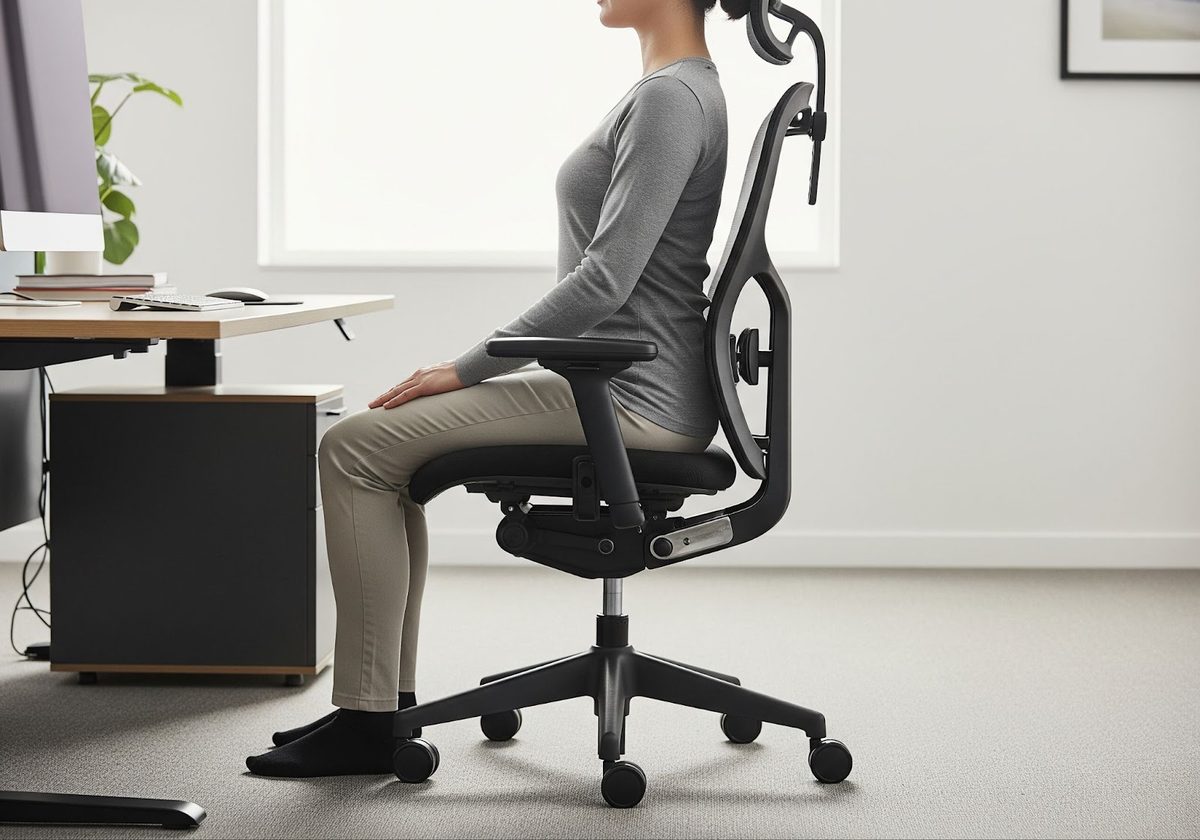
Shortlist chairs with height-adjustable lumbar support first, then check depth adjustment, then the rest of the chair. Sit in the chair if you can — five minutes in a showroom tells you more about lumbar fit than any review. If you are buying online, check the return policy before the price: a chair you cannot return is a gamble, however good the spec sheet looks.
Our Best office chairs under $300 guide lists fifteen chairs with their lumbar adjustment noted for each one, so you can compare the feature directly rather than trusting the word 'ergonomic' in the listing.
When support is not the problem
Sometimes the chair is fine and the setup is not. A monitor set too low pulls the whole spine forward, rounding the lower back no matter how good the lumbar pad is. A desk set too high lifts the shoulders and loads the upper back. A keyboard too far away makes you perch. Before blaming the chair, run through the full setup check — the fix is often free.
And if pain persists after the setup is right, see a clinician. Chairs, pillows and guides like this one deal with comfort and posture; pain that does not change with position, or that shoots down a leg, needs professional assessment.
Frequently asked questions
Where should lumbar support sit?
At your belt line, filling the natural inward curve of your lower back. Sit fully back in the chair — the pad should press gently into the curve without pushing you forward.
Is adjustable lumbar support worth it?
Yes — it is the single most valuable chair feature. A fixed pad only fits the average spine; height adjustment lets you place support where your back actually curves.
Can a lumbar pillow fix a bad chair?
It can fix weak lumbar support specifically, which is the most common chair flaw. It cannot fix a wrong seat depth, a broken tilt mechanism or a chair that is the wrong size for you.
Should lumbar support be firm or soft?
Firm enough to hold the curve, soft enough to sit against for hours. Flexible pads — mesh tension or spring-loaded plates — usually feel better over a full day than hard plastic.
Why does my lower back hurt even with lumbar support?
The pad may be in the wrong place, the seat depth may be pushing you forward, or the problem may be elsewhere in the setup — monitor height and desk height both affect the lower back. Persistent pain needs a clinician, not a new chair.
How long do lumbar pillows last?
Foam pillows typically keep their shape for one to two years of daily use. Replace the pillow when it stops springing back after you press it.
Do I need lumbar support if I stand part of the day?
Yes — the hours you do sit still need support. Alternating sitting and standing helps, but it does not make the seated hours self-supporting.
What is the difference between lumbar and lordosis support?
They are the same thing described two ways: 'lumbar' is the region of the spine, 'lordosis' is the inward curve. A lordosis support maintains the lumbar curve.